Create Custom YouTube Thumbnails Online
Create YouTube thumbnails online for free. Customize 1280 × 720 designs with photos and headlines, then export PNG or JPG.
Real editable templates
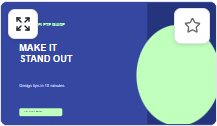 Creator Cover
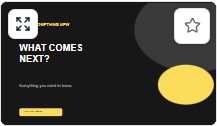 Future Tech
Build a readable, high-contrast video thumbnail using editable layouts and a 16:9 canvas.
How to make it
- Choose a YouTube template or start with a blank 1280 × 720 design.
- Replace the video headline and image, adjust text contrast and arrange supporting shapes.
- Review the thumbnail at a small size, then export PNG or JPG and inspect the downloaded image.
What you can create
- Tutorial, technology and education video cover images.
- Travel vlogs, announcements and series thumbnails in a 16:9 format.
Common questions
What size should my YouTube thumbnail be?
This workflow starts at 1280 × 720 pixels (16:9). Check the platform's current upload limits before posting.
Can I change text or images?
Yes. Template text and supported image objects remain editable. Uploaded photos stay in your local browser project.